Dozers
Mount the receiver coming off the blade, somewhere it won’t get hit, so it rises and falls with the edge. Keep the blade at the same angle while you grade.
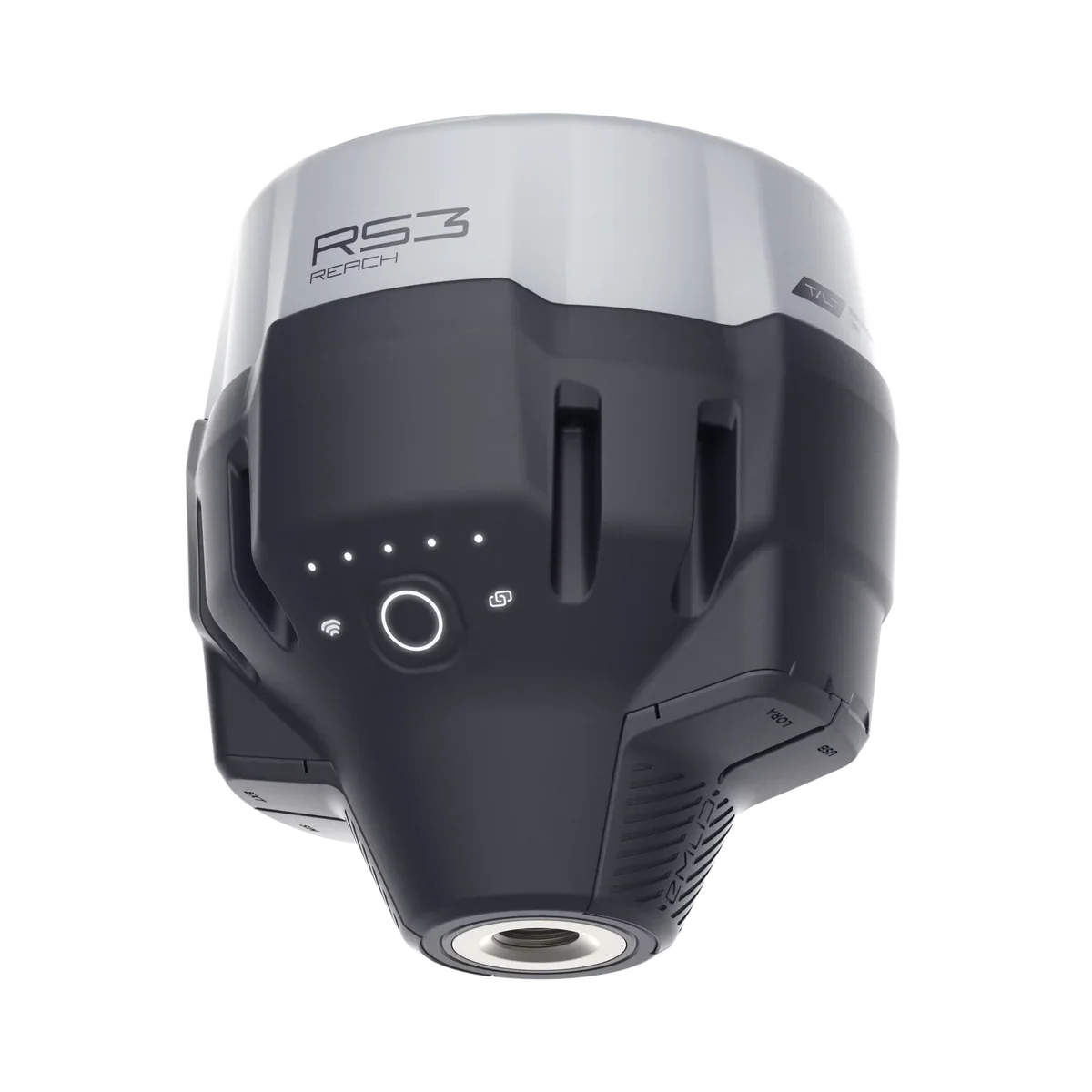
Ditch Assist® Lite is guidance-only grade control for any machine or implement you can attach a GPS to. Mount an Emlid Reach RS3 or RS4 somewhere safe where it moves up and down with the blade, run the Ditch Assist app on a tablet in the cab, and grade to the design with live cut/fill on the screen while you work the controls. Nothing to wire, nothing to install.
Pulling a scraper, blade or ditcher? Ditch Assist Lite fits those too, and it is the lowest-cost way to run Ditch Assist if you’re happy working the controls yourself. Automating later means buying the Full Automation Kit at full price, so for most farms we recommend that kit, which holds grade for you. See the Full Automation Kit →
Same app as every Ditch Assist kit · Field-proven since 2014 · Engineered in Manitoba, Canada
Ditch Assist Lite works on dozers, self-propelled scrapers and, on the farm, a tractor with a scraper, ditcher, blade or leveler: any machine where the receiver moves up and down with the cutting edge and the blade stays at the same angle (one receiver can’t correct for tilt). It needs only the GPS on the blade: no valve, no wires.
Mount the receiver coming off the blade, somewhere it won’t get hit, so it rises and falls with the edge. Keep the blade at the same angle while you grade.
Mount the receiver on the bowl, the same way as on a pull-type scraper, and guide the cut from the seat.
The lowest-cost way to run Ditch Assist on a towed implement, if you’re happy working the controls yourself. Mount the receiver on the bowl, frame or blade so it rides with the cutting edge. Automating later means buying the Full Automation Kit at full price, so for most farms we recommend that kit, which holds grade for you.
If you can fix the receiver where it rises and falls with the cutting edge — on the bowl, blade or frame, not in the cab — and the blade holds the same angle while you grade, Ditch Assist Lite can guide it. Skid steers and motor graders can be challenging: contact us to discuss before you buy, or if you’re not sure where to mount it on your machine.
The receiver rides on the blade and sends its position to the tablet in your cab over its own Wi-Fi. The app shows how far the cutting edge sits above or below your design, and you follow the arrows with the controls you already use. Switch setups to see what each one puts on the machine.
Illustration, not to scale.
Grade guidance for any machine you can put a GPS on.
On the machine: an Emlid Reach RS3 or RS4 on the blade, on its own battery. Nothing else, no wires.
The tablet joins the receiver’s Wi-Fi and you follow the up/down arrows (chevrons) on the screen while you work the blade. One-time license per receiver. On the farm, it is the lowest-cost way to run Ditch Assist; automating later means buying the Full Automation Kit at full price.
What you need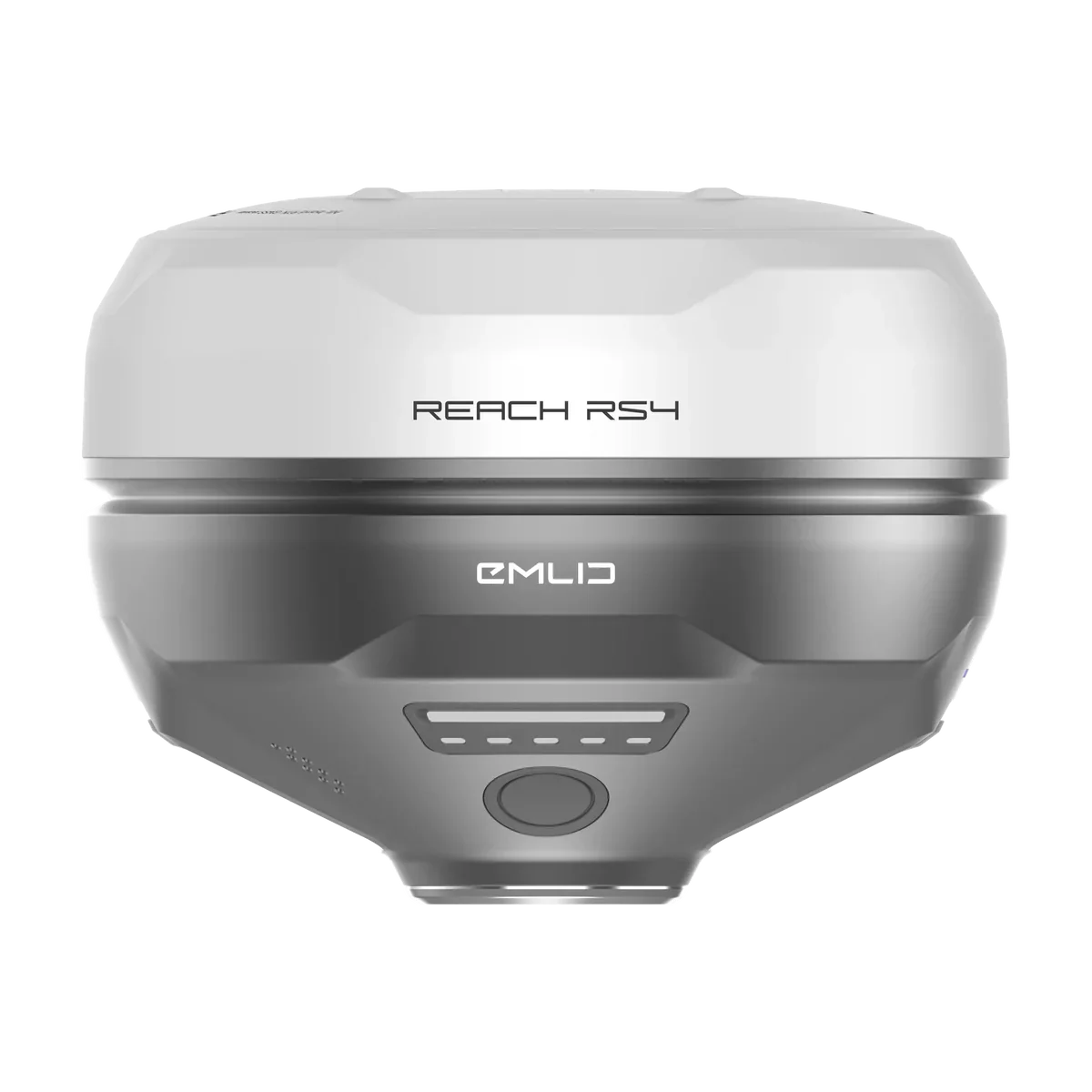
Visual guidance. Automation later, or through a factory valve.
On the machine: your RTK GPS on a mast on the implement, so it rises and falls with the cutting edge (John Deere, Trimble, Emlid and others), and the control module, which powers it. You follow the chevrons on the tablet and work the hydraulics, and you can add our valve later to make it the Full Automation Kit.
If your implement has a compatible factory valve, like a Revolution Ditcher or a Soil-Max Stealth ZD tile plow, the module plugs straight into it and Ditch Assist works raise/lower. Most implements don’t have one; ask us to check yours.
See the kitsNo RTK GPS yet? We bundle Emlid Reach RS4 and RS3 receivers as base and rover. See the RTK bundles

Everything from day one. Ditch Assist works the hydraulics.
On the machine: your RTK GPS on a mast on the implement, the control module, and the proportional valve plumbed into your existing hoses.
Ditch Assist raises and lowers to the design, pass after pass, and you can take over from the cab at any time. Wi-Fi to the cab, no harness through the door.
See the kitsNo RTK GPS yet? We bundle Emlid Reach RS4 and RS3 receivers as base and rover. See the RTK bundles

Plus RTK corrections. No control module, no valve, no harness to the cab. The receiver is a standard RTK unit that stays useful for surveying, layout and anything else you run.
An Emlid Reach RS3 or RS4, on a mast over the cutting edge. It runs all day on its own battery and broadcasts its own Wi-Fi. Bring one you already own, or add one to the quote.
An Android tablet running the same Ditch Assist app used with every kit, with Mode set to Ditch Assist Lite in Settings. We recommend the Samsung Galaxy Tab A11+, and we can add one to the quote. Plug the tablet into the cab charger and it is set for the day. Tablet recommendations and the download are on the app page.
Issued for your receiver’s serial number. Enter the code once, with no internet needed, and that receiver is licensed for good. It never expires, it is not a subscription, and it moves with the receiver, not the tablet.
Usually a second Reach as a base, or a correction network over the receiver’s SIM. In the US and some other regions (not Canada), a new RS4 includes a year of Emlid Corrections, so one receiver can be enough. How corrections work with Ditch Assist Lite
No box to bolt on and no cable to run to the cab. Mount the receiver, join its Wi-Fi from the tablet, and go.
The receiver runs a full working day as an RTK rover on its internal battery. Charge it overnight like a phone.
The tablet joins the receiver’s own Wi-Fi hotspot. Position updates five times a second, with no cellular signal needed for the link.
The only cord in the setup is the one already in your cab. The tablet stays powered from the machine.
Plug a USB power bank into the receiver for extra hours, then take it home at night to charge. Still no wiring on the machine.
Drive the survey, let Slope-IQ™ design the profile, then grade to it with live cut/fill chevrons, the profile chart and a coverage map of where you have been. Every workflow comes with every Ditch Assist Lite license, and Auto-Nudge™ sets the target for each pass while you work the controls to match it.
Every mode runs in Ditch Assist Lite, as guidance: you work the controls. Excavator mode checks grade between cuts; for live bucket-tip grade while you dig, see the DIG™ Kit.
Start guidance and the screen shows how far the blade is above or below the target: the cut/fill chevrons tell you whether to raise or lower, the profile chart shows the design and the ground ahead of you, and the coverage map shows where you have already graded. If RTK drops, guidance pauses and tells you, then picks up when the fix returns.


If you grade today by watching an indicator and working the levers, Ditch Assist Lite works the same way. On the screen: the surveyed profile, a Slope-IQ™ design, live cut/fill and a map of the work.

Corrections come to the receiver on the machine, from your own base or a network, so guidance works anywhere the receiver holds an RTK fix.
Slope-IQ™ designs a ditch that follows the ground: it puts grade breaks where the ground changes slope and keeps at least the minimum grade you set, and the chart shows in red any stretch outside your depth limits.
Drive the run to see the existing profile and where the water will go before the blade touches dirt.
The coverage map shows where you have been and turns green where you have reached grade. Jobs are saved, so tomorrow you pick up where you stopped today.
Three ways on grade with the same app. Ditch Assist Lite puts only a GPS on the blade, on any machine. On the farm, it is the lowest-cost way to run Ditch Assist, if you’re happy working the controls yourself. The Guidance Only Kit puts a control module on the machine for visual guidance with the RTK GPS you already own: you work raise/lower following the arrows, and can add our valve later. If your implement has a compatible factory valve, the module plugs into it and Ditch Assist works raise/lower; most implements don’t have one. The Full Automation Kit puts the control module and our valve on the implement, and Ditch Assist works raise/lower for you.
|
Ditch Assist Lite
Guidance only, on any machine
|
Guidance Only Kit
Visual guidance, or a factory valve
|
Full Automation Kit
Everything, from day one
|
|
|---|---|---|---|
| Who works raise/lower | You, following the arrows | You, following the arrows, or Ditch Assist through a compatible factory valve | Ditch Assist, through the valve |
| On the machine | One RTK receiver, nothing else | Your RTK GPS and the control module | Your RTK GPS, the control module and the valve |
| RTK GPS | Emlid Reach RS3 or RS4 | Any compatible RTK GPS, or an Emlid bundle | Any compatible RTK GPS, or an Emlid bundle |
| Link to the cab | Wi-Fi from the receiver | Wi-Fi from the control module | Wi-Fi from the control module |
| GPS power | The receiver’s own battery | The control module powers it | The control module powers it |
| Auto-Nudge™ pass staging | Yes: you work the controls to match it | Yes: you work the controls to match each pass, or Ditch Assist does it through a compatible factory valve | Yes |
| Workflows | Every workflow, Excavator mode included, plus LiDAR Drainage Mapping | Every implement workflow, plus LiDAR Drainage Mapping | Every implement workflow, plus LiDAR Drainage Mapping |
| Install | Mount the receiver | About an hour | About an hour |
| Move to another machine | Move the receiver | As little as 20 minutes | As little as 20 minutes |
| License | One-time, per receiver | One-time purchase | One-time purchase |
| Add automation later | No: Full Automation Kit at full price | Yes: add our valve and it becomes the Full Automation Kit | Already included |
Ditch Assist Lite and the kits are separate products. Not sure which fits? Pick your scenario →
Setup is done once per receiver. After that the app finds the receiver on its own every time you pick a mode.
Connect the tablet to the RS3 or RS4 Wi-Fi hotspot. The receiver sends its position over Wi-Fi by default, so there is nothing to set up on it.
Receiver setup guide →Open Ditch Assist and set Mode to Ditch Assist Lite in Settings. The app connects to the receiver on its own from then on.
The app shows a request code for the connected receiver. Send it to us, enter the unlock code we send back, and guidance is on. No internet needed on the tablet.
RTK needs corrections, and they go to the receiver on the machine, not to the tablet: by radio from your own base, or from a network over the receiver’s built-in LTE modem. Pick whichever fits your area and your cell service.
A second Reach set up as a base sends corrections to the rover by radio. No subscription, no cell service needed, and the base goes wherever you work. The same base can also send corrections to a Ditch Assist kit on another machine.
Put a SIM card in the receiver and it pulls corrections from an RTK network on its own. One receiver, nothing else to set up in the field. Needs cell coverage where you work.
Receivers, the license, corrections, and what Ditch Assist Lite does not do.
Emlid Reach RS3 and Reach RS4. The app connects to the receiver’s own Wi-Fi hotspot, so no cable or control module is needed. Other brands of RTK receiver are not supported in Ditch Assist Lite. If you already own a compatible RTK GPS from John Deere, Trimble or another brand, the Guidance Only Kit can run it, including on a dozer.
No. Ditch Assist Lite is guidance. The app shows cut and fill, the profile, and the coverage map live, and you raise and lower the blade with the machine’s own controls. Auto-Nudge™ sets the target for each pass; you work the controls to match it. There is no hydraulic hardware in a Ditch Assist Lite setup. It has no upgrade path: automating later means buying the Full Automation Kit at full price, with no credit for Ditch Assist Lite. If you think you will want to automate a towed implement later, start with the Guidance Only Kit instead: add our valve and it becomes the Full Automation Kit.
No. It is a one-time license for one receiver. It never expires and it does not renew. Every mode in Ditch Assist Lite comes with that license, with no per-mode activation.
It is a one-time activation for one GPS receiver. Once that receiver is licensed, the Ditch Assist app unlocks all of its features with it: survey, design and grade in every mode, with Auto-Nudge™ and LiDAR Drainage Mapping, as guidance while you work the controls. To activate it, send us the request code the app shows for the connected receiver, then enter the unlock code we send back.
The GPS receiver. The license is issued against the receiver’s serial number, so you can change tablets, reinstall the app, or move the receiver between machines and it stays licensed. A second receiver needs its own license.
You need RTK corrections from somewhere. Either run your own base, typically a second Reach receiver with no subscription, or use a network correction service over the receiver’s built-in LTE modem with a SIM card. In the United States every new Reach RS4 includes a year of Emlid Corrections, which it takes over its own SIM.
Emlid’s own RTK correction service: the receiver gets corrections over the internet from Emlid’s network instead of from a base, so one receiver is all you need. Every compatible Reach comes with a free first year; after that it is a subscription from Emlid. With Ditch Assist Lite the tablet is on the receiver’s Wi-Fi, so the corrections have to come in through the receiver itself, over its own SIM card and mobile data. That works on the Reach RS4 (firmware 34.8 or later). The Reach RS3 only gets Emlid Corrections through the Emlid Flow app on a phone, which doesn’t suit Ditch Assist Lite: on an RS3, use your own base or another correction network over its SIM. Coverage is limited and doesn’t include Canada. Check Emlid’s coverage map for your area.
The Reach RS3 and RS4 have internal batteries. On the machine as a rover, a full charge usually lasts a working day, so take the receiver off to charge it overnight or between jobs. For longer days, strap a USB power bank to the GPS mount and run a USB-C cable into the bottom of the receiver: it powers the receiver and keeps its battery topped up, and you can take the power bank off to charge it or swap it. A base uses more power than a rover because its radio is transmitting, so an RS4 base in particular is better on external power: we offer a base power cable that connects to a standard 12-volt battery’s terminals, or use a USB power bank there too.
No. The tablet talks to the receiver over the receiver’s Wi-Fi and the license is checked on the tablet without internet. LiDAR Drainage Mapping prep needs internet before you go to the field, the same as every Ditch Assist setup.
All of them: Ditching, Terracing, Land Forming, Simple Grading, Tiling, Leveling, Levee & Contour and Excavator mode, plus LiDAR Drainage Mapping, with Auto-Nudge™ setting each pass’s target for you to match on the controls. Excavator mode in Ditch Assist Lite checks grade between cuts; live bucket-tip grade requires the Ditch Assist DIG™ Kit, a separate product.
Yes, if it is an Emlid Reach RS3 or RS4. Request a license for that receiver, enter the code once, and it is ready. If you own an older Reach model, contact us before buying. A compatible RTK GPS from another brand can run on the Guidance Only Kit instead.
Yes. Ditch Assist Lite needs only the GPS on the blade: no valve, no wires, nothing to install. On a self-propelled scraper the receiver mounts on the bowl, the same as on a pull-type scraper; on a dozer, mount it somewhere safe coming off the blade. Keep the blade at the same angle while you grade: Ditch Assist Lite uses one receiver, so it can’t correct for tilt. Skid steers and motor graders can be challenging; contact us to discuss before you buy.
Yes. Mount the receiver on the bowl, frame or blade so it rides with the cutting edge, and grade to the design while you work the hydraulics, following the arrows. It is the lowest-cost way to run Ditch Assist on a towed implement. It has no upgrade path: automating later means buying the Full Automation Kit at full price, with no credit for Ditch Assist Lite. For most farms we recommend the Full Automation Kit, which holds grade for you, or the Guidance Only Kit, which can add our valve later.
Yes. Ditch Assist Lite runs Excavator mode with the receiver on the stick; our DIG™ GPS pendulum mount fits it. It isn’t the DIG™ system: with no angle sensors, it reads grade only when you bring the stick and bucket back to the same position each time. That’s a grade check between cuts, not live grade while you dig. To see the bucket tip’s elevation the whole time you dig, use the DIG™ Kit, which adds sensors on the stick and bucket.
We will confirm the receiver, the correction path that fits your area, the tablet, and the mount for your machine, and send one quote for the lot. Already own a Reach? Say so and we quote the license alone.