“I pull a scraper.”
Full Automation Kit. Our valve goes on your existing hoses, and Ditch Assist® raises and lowers the bowl to hold the design grade. The standard valve fits most scrapers; very large scrapers can take the High Flow valve. Rather work the levers yourself? The Guidance Only Kit shows grade on the tablet, and you can add our valve later. Ditch Assist Lite does the same with only an Emlid Reach on the scraper, but automating later means buying the Full Automation Kit at full price.
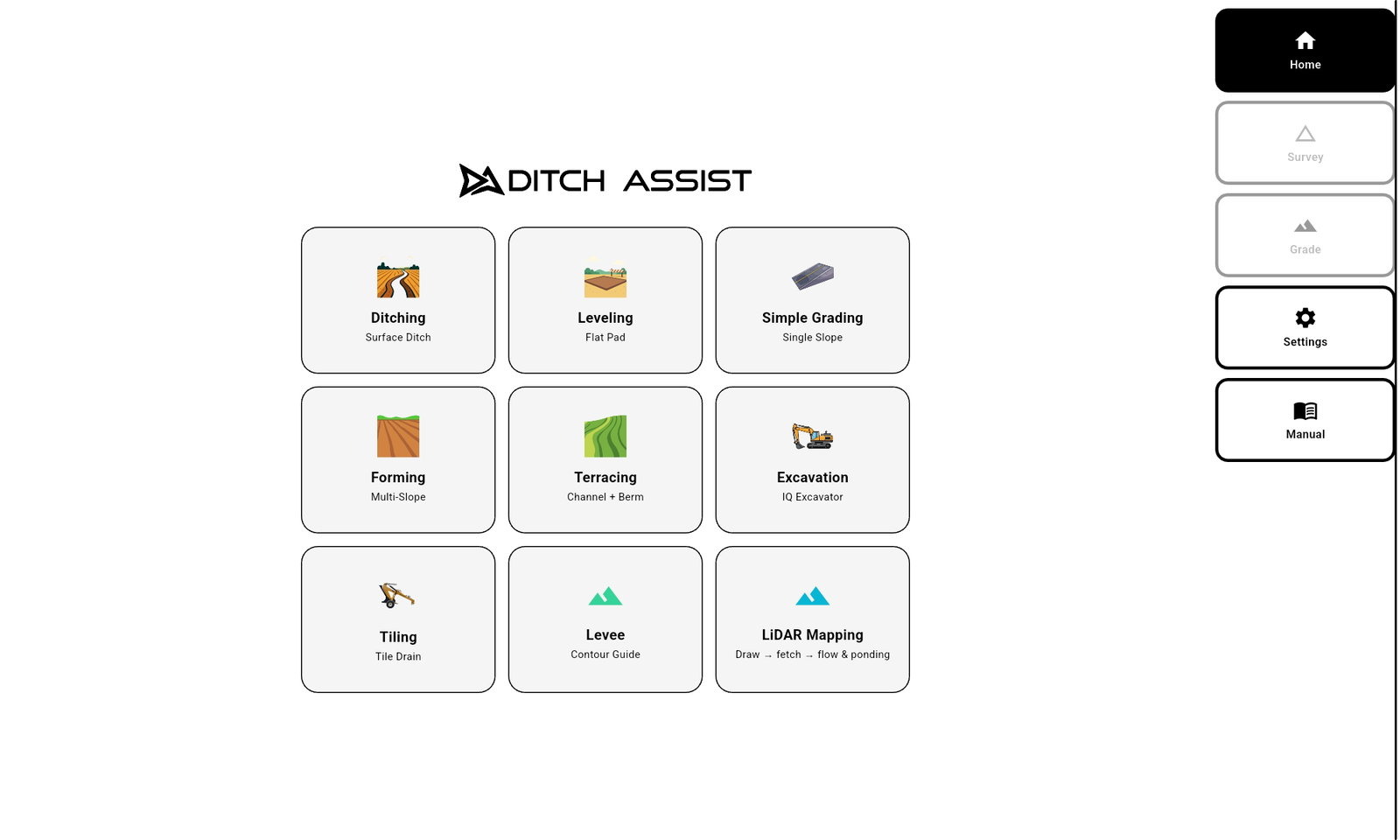
Runs Ditching, Terracing, Leveling, Simple Grading, Land Forming and Levee & Contour. Ditch Assist Lite runs them all too.
“I run a rotary ditcher.”
Full Automation Kit for most rotary ditchers: our valve goes on the ditcher, and Ditch Assist works raise/lower while you drive. Factory PWM valve: on a Revolution Ditcher with a compatible factory valve, the Guidance Only Kit plugs into that valve, so there is no valve to add and Ditch Assist still works raise/lower. Other factory valves: ask us to confirm yours.
Runs Ditching. Ditch Assist Lite runs it too, as guidance.
“I pull a tile plow.”
Full Automation Kit for most pull-type and tractor-mounted tile plows and trenchers. Factory PWM valve: on a Soil-Max Stealth ZD with its factory valve, the Guidance Only Kit plugs straight into that valve, with no second valve and no plumbing. Tiling mode designs the run inside your depth limits, the deepest the plow reaches and the shallowest the tile can sit, and if the plow rides up over a rock, Automatic Rock Hit Recovery raises the target instead of diving the plow back down, so the tile stays on grade.
Runs Tiling. Ditch Assist Lite runs it too, as guidance.
“I run a box blade, land leveler or pull-type dozer blade.”
Full Automation Kit. Ditch Assist raises and lowers the blade to the design; tilt, wing and side-shift stay with you. Build grain bin and shed pads to one elevation, grade lanes and yards to a slope, or work a 3D land-forming design. The Guidance Only Kit shows grade while you work the hydraulics, and you can add our valve later. Ditch Assist Lite does the same with only an Emlid Reach on the blade, but automating later means buying the Full Automation Kit at full price.
Runs Leveling, Simple Grading, Land Forming, Ditching, Terracing and Levee & Contour. Ditch Assist Lite runs them all too.
“I run a dozer or self-propelled scraper.”
Ditch Assist Lite. It is guidance-only grade control for any machine you can attach a GPS to: an Emlid Reach RS3 or RS4 on the machine, no wires, no control module, nothing to install. On a self-propelled scraper the Emlid Reach mounts on the bowl, the same as on a pull-type scraper; on a dozer, mount it somewhere safe coming off the blade. Enter the height, keep the blade at the same angle, and grade with cut/fill on the screen while you work the controls. Already own a compatible John Deere, Trimble, Outback or other RTK GPS? The Guidance Only Kit runs it on these machines, with the same on-screen guidance. Skid steers and motor graders can be challenging; contact us to discuss before you buy. We review each machine first.
Ditch Assist Lite runs every mode, Land Forming included.
“I dig with an excavator or backhoe.”
Ditch Assist DIG™ Kit. Sensors on the stick and bucket and your RTK GPS show the bucket tip’s elevation against the design, live, in the same app. Dig trenches and ditches to grade, curved runs included, or dig an area level. Ditch Assist Lite also runs Excavator mode, with the Reach on the stick, but with no angle sensors it reads grade only when you bring the stick and bucket back to the same position each time: a check between cuts, not live grade while you dig.
Runs Excavator mode.
“I run a laser now. I want to see grade and work the levers myself.”
Guidance Only Kit. It runs the RTK GPS you already own, or an Emlid bundle. Survey the run, design the fall, then grade to it following the cut/fill arrows while you work the hydraulics. When you want the machine to hold grade, add our valve and it becomes the Full Automation Kit. As the lowest-cost option, Ditch Assist Lite does the same job with only an Emlid Reach RS3 or RS4 on the implement, but automating later means buying the Full Automation Kit at full price.
“I already own an RTK GPS receiver.”
Ditch Assist Lite or the Full Automation Kit, if it’s an Emlid Reach RS3 or RS4. On any machine, Ditch Assist Lite runs straight from that receiver, as guidance only: request a license for it, enter the code once, and it is licensed for good. On a scraper, ditcher or blade where you want Ditch Assist to hold grade, the Full Automation Kit uses your Reach as its RTK GPS. Any other NMEA-compliant RTK receiver works with the kits, but not with Ditch Assist Lite.
“I have designs from Geo-Surface™ or other land-forming software.”
Any of the three. Land Forming mode imports AGD, LandXML and XYZ/XYZP surface files, including designs from Ezigrade, then lines the design up with a benchmark in the field so it sits at the right elevation. With the Full Automation Kit, Ditch Assist works raise/lower to the design; with the Guidance Only Kit or Ditch Assist Lite, you work the controls to it.
“I run more than one machine — scrapers and an excavator, say.”
One app for all of them. A kit on each implement, or one kit moved between them in as little as 20 minutes; the DIG™ Kit on the excavator; Ditch Assist Lite on a dozer. They all run in the same app, so your operators learn it once, and they can share one RTK base.
“I’m starting from scratch — no GPS, no tablet.”
Pick the kit for your machine above, then add the GPS and the tablet. We bundle Emlid Reach RS4 and RS3 receivers as base and rover, and the Samsung Galaxy Tab A11+, our pick of tablet, with your kit. Ditch Assist Lite needs a Reach on the machine, RTK corrections (usually a second Reach as a base), a tablet and a license.