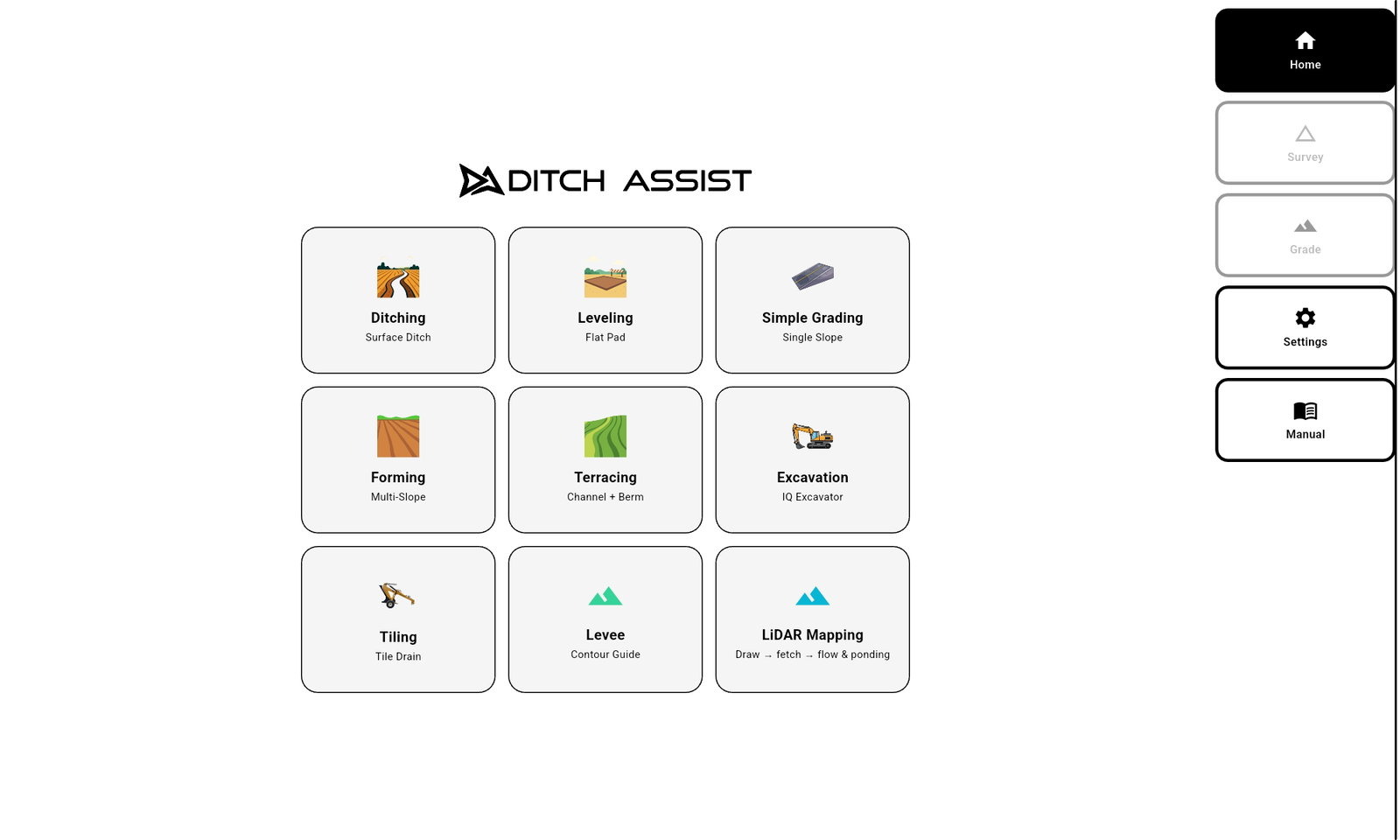
Ditch Assist v1.5.4
Para todos que fazem trabalho normal de campo. Obrigatório para DIG.
A versão 1.5.4 é o app de produção atual. Ela substitui a v1.4 e todas as compilações de teste v1.5, e traz a drenagem calculada no tablet em LiDAR e Mapas com o novo Planejador de Drenagem, o Ditch Assist Lite, a programação do receptor pelo app (Diagnóstico Emlid), a profundidade fixa da saída, edições de projeto que mantêm seu progresso, a Manutenção simples do Terraceamento, o novo fluxo Calibrar Elevação, Pés Decimais e atualizações de firmware DIG. As versões anteriores, incluindo a v1.4, continuam disponíveis em Versões anteriores.
Requisito do tablet: tente primeiro a compilação padrão: é a certa para a maioria dos tablets. Para o melhor desempenho, use um tablet Android moderno e potente, com bastante RAM, como o Samsung Galaxy Tab A11+ que recomendamos. Se a compilação padrão não instalar ou não rodar, use o download para tablets antigos; o desempenho pode ser menor e pode ser preciso trocar por um tablet mais novo.
O que há de novo na v1.5.4
Instalação
- Da v1.2 em diante (incluindo a v1.4 e todas as compilações v1.5): instale por cima. O app é atualizado sem desinstalar e mantém suas configurações, a calibração e o trabalho salvo.
- Da Alpha 2.x, v1.0 ou v1.1: desinstale o app antigo primeiro e depois instale a v1.5.4. Essas compilações foram assinadas com uma chave de desenvolvimento, então a v1.5.4 não pode ser instalada por cima delas. Levantamentos, projetos e trabalhos salvos no tablet são mantidos; as configurações e a calibração do ponto de referência se perdem com a desinstalação e precisam ser inseridas de novo.
- Qual baixar: a compilação padrão (arm64-v8a) serve para quase todos os tablets. Se o seu tablet não conseguir instalá-la, use a compilação para tablets antigos (armeabi-v7a, para tablets antigos de 32 bits).
Novo: LiDAR e Mapas
- A drenagem é calculada no tablet: Preparar Campo continua baixando o LiDAR pela internet, mas as linhas de fluxo, as depressões e o encharcamento agora são calculados no próprio tablet, com o mesmo método do Geo-Surface™ Pro. Nada é enviado para processamento, e os resultados coincidem com o que o Geo-Surface Pro mostra para o mesmo LiDAR.
- O encharcamento é ordenado de "Molha primeiro" a "Molha por último", com seu próprio controle de corte, para mostrar só os pontos que acumulam água primeiro.
- As depressões são desenhadas pela profundidade, e as rasas ficam ocultas. Elas aparecem em Camadas do Mapa, mas começam desligadas; um toque as mostra.
- As linhas de fluxo são desenhadas em preto, mais grossas nos caminhos que drenam mais área, e recortadas no limite do campo.
- Planejador de Drenagem: em um campo preparado no tablet, toque em Abrir Planejador de Drenagem (na tela de conclusão de Preparar Campo ou na linha do campo em Campos / DEMs salvos) e arraste o controle de área de drenagem mínima (0,1 a 20 acres) para reduzir a rede de fluxo aos caminhos que drenam pelo menos essa área. As linhas do plano são roxas, mais largas para áreas de drenagem maiores, com setas apontando para jusante. Salvar plano guarda o plano com um nome; os planos salvos são carregados em Camadas do Mapa > Adicionar Camada > Plano de drenagem.
- As elevações LiDAR são lidas corretamente: alguns downloads dos EUA (3DEP) e do Canadá (HRDEM) tinham células erradas ou ausentes nas bordas dos dados, o que também afetava as curvas de nível e a verificação de elevação do mapa.
- As imagens de satélite em cache aparecem assim que o mapa abre, LiDAR e Mapas abre na localização do próprio tablet, e não aparece mais o aviso vermelho de "conexão perdida" ao sair do Wi-Fi do módulo de controle para a internet.
- Campos preparados com uma versão anterior continuam sendo desenhados exatamente como antes.
Novo: Ditch Assist Lite
- Orientação só com um GPS na lâmina — o Ditch Assist Lite conecta o app a um Emlid Reach RS3 ou RS4 pelo hotspot Wi-Fi do próprio receptor, sem módulo de controle e sem fios. Funciona em tratores de esteira, raspadores autopropelidos e, na fazenda, em um trator com raspador, valetadeira, lâmina ou niveladora. Veja em Ditch Assist Lite como ele se adapta à sua máquina.
- Ative em Configurações > Modo (Ditch Assist | Ditch Assist Lite). O Ditch Assist continua sendo o padrão em toda instalação e atualização, e um aviso MODO LITE aparece no topo da tela Início enquanto o Ditch Assist Lite estiver ligado. O Manual do app tem um capítulo sobre o Ditch Assist Lite.
- Todos os fluxos de trabalho funcionam, e trabalhos salvos de qualquer fluxo podem ser retomados. Levantamentos, projetos, chevrons, o gráfico de perfil, a cobertura e as passadas escalonadas do Auto-Ajuste (Auto-Nudge™) funcionam igual; quem move a lâmina é você. O app nunca move a lâmina no Ditch Assist Lite: não há Subir / Descer, Pausar / Retomar nem nivelamento automático, e a Detecção de Impacto com Rocha fica desligada.
- A Escavação segue a antena do receptor, não a ponta da caçamba, então é uma conferência da inclinação entre os cortes. Um lembrete mostra como conferir sempre com o braço e a caçamba na mesma posição. A cota ao vivo da ponta da caçamba requer o Kit DIG™ do Ditch Assist.
- Uma licença por receptor — o app mostra um código de solicitação e um código QR que abre um e-mail para sales@ditchassist.com. Digite o código de desbloqueio de 10 dígitos que enviamos de volta; ele é verificado no tablet, sem precisar de internet. Um receptor licenciado também libera LiDAR e Mapas.
Novo: programação do receptor GPS
- O app programa seu receptor — Configurações > Diagnóstico Emlid encontra um Emlid Reach RS3 ou RS4 no hotspot dele e compara as configurações do receptor com os perfis Base, Rover e Rover Lite do Ditch Assist. Toque em Configurar e o app programa o receptor seção por seção, verificando cada uma. Se uma seção não for aceita após três tentativas, ele para e diz o que concluir no Emlid Flow. Funciona no Ditch Assist e no Ditch Assist Lite.
- Correções da base — o perfil Base envia correções GPS, GLONASS e Galileo a cada segundo. Se o link de rádio não der conta, ele passa sozinho a enviá-las a cada dois segundos e tenta de novo.
- O canal LoRa e a potência de rádio do RS4 ficam salvos, e uma base RS4 ganha uma troca de 500 / 1000 mW com um toque.
- Um aviso aparece quando o firmware do receptor é mais antigo que a versão com que o Ditch Assist foi verificado (RS3 33.1, RS4 34.8).
Novo: projeto e nivelamento
- Profundidade fixa da saída (Valeta e Drenagem Subterrânea, aba Melhor Ajuste) — um botão PROF. SAÍDA define exatamente a profundidade da valeta ou do dreno na saída, para ligar a uma valeta, bueiro ou coletor existente. O projeto é calculado da saída para trás, então a outra ponta não fica rasa demais. Uma transição opcional da saída suaviza uma ligação funda ou rasa (uma faixa âmbar no gráfico), e Sugerir escolhe a menor distância que funciona. Desligada por padrão.
- Manter Meu Progresso (Valeta, Escavação, Manutenção simples do Terraceamento) — ao implementar um projeto editado sobre um trabalho em andamento, você pode manter a superfície trabalhada e o mapa de cobertura em vez de começar de novo.
- Editar o projeto ativo — um botão Editar Projeto no gráfico de perfil do nivelamento reabre o projeto atual; as alterações são salvas como uma nova revisão.
- Manutenção simples do Terraceamento — mantenha um terraço existente com um único levantamento do canal. A berma acompanha o canal final com um deslocamento ajustável, 18 in (46 cm) por padrão, então não há levantamento da berma para percorrer.
- Importar um arquivo de levantamento ou projeto (Valeta, Escavação, Drenagem Subterrânea) — carregue um arquivo XYZ / XYZP pelo seletor Carregar, para exportações do Geo-Surface Pro.
- Controles de nivelamento maiores — PAUSAR / RETOMAR tem o mesmo tamanho de INICIAR / PARAR, e o seletor Canal / Berma do terraço está maior.
Novo: pontos de referência e calibração
- Painel Calibrar Elevação — o indicador BM abre um painel que diz em palavras simples a que você está calibrado e desde quando, e lista a que você pode calibrar agora: pontos de referência salvos (o mais próximo primeiro), o levantamento carregado ou o projeto carregado. Os pontos de referência têm seu próprio painel Pontos de referência.
- Cores do indicador BM — verde: calibrado nesta sessão. Âmbar: restaurado de uma sessão anterior, então recalibre antes de trabalhar. Cinza: não calibrado.
- Rotina de ponto de referência no Modo de talhões — ao entrar em um campo com ponto de referência, o app pede que você vá até ele e calibre. Levantamentos, projetos e trabalhos lembram a qual ponto de referência estavam alinhados.
Novo: tela e mapa
- Pés Decimais — Configurações > Unidades ganha Pés Decimais ao lado de Pés + Polegadas e Métrico. Medidas pequenas (corte/aterro, ajuste, altura da lâmina, profundidades de dreno) aparecem em décimos de pé.
- Rumo para cima ou norte para cima — um botão de orientação do mapa alterna entre os dois (rumo para cima por padrão), e o app lembra sua escolha.
- Dar ré não gira mais o mapa — em rumo para cima, o mapa continua voltado para onde a máquina aponta enquanto ela anda de ré.
- Imagens sobrepostas (JPG + arquivo de coordenadas) carregam totalmente opacas, cada uma com seu próprio controle de opacidade, e podem ser adicionadas a partir de um único .zip com os dois arquivos.
- Atualize o firmware do módulo DIG pelo app (Configurações > Software do Módulo DIG). O firmware vem dentro do app, então não é preciso internet no campo.
Melhorias
- Subir / Descer pressionado: a válvula continua se movendo enquanto o botão estiver pressionado, mesmo que o dedo escorregue um pouco no botão.
- A Pausa Automática se explica: quando o nivelamento pausa pela qualidade do GPS, uma barra âmbar diz o que está aguardando e mostra o valor atual.
- Sensibilidade RTK > Baixo agora observa só o status RTK Fixo e espera cerca de um segundo de RTK Fixo estável antes de retomar. Receptores que não enviam HDOP mostram "--" em vez de um 0.00 enganoso.
- Filtro RTK DESLIGADO (para receptores como o John Deere StarFire SF-RTK, que reportam DGPS mesmo em RTK) agora vale também para a Medição Automática da altura da lâmina e para a média do ponto de referência. Um botão Iniciar Levantamento acinzentado agora diz por quê.
- Verificações Pré-Operação e Informações de GPS mostram ao vivo a intensidade do sinal Wi-Fi e a velocidade de link, e um módulo DIG conectado aparece em verde.
- Tablets Samsung: se "Mudar para redes Wi-Fi melhores" estiver ativado (faz o tablet abandonar todo hotspot Ditch Assist), o app avisa uma vez e leva você direto a esse ajuste.
- Um módulo DIG conectado mas sem enviar posição agora diz isso, em vez de informar perda da conexão Wi-Fi.
- A Verificação de Divergência de Elevação agora é uma chave em Configurações > Segurança Pré-Início, desligada por padrão, com limite de 30 in (76 cm).
- Os valores padrão de resposta da válvula em instalações novas agora são iguais aos do app Gen 1.
- Tablets pequenos (960 × 600): as barras superiores de levantamento e nivelamento passam para uma segunda linha em vez de serem cortadas.
- Enviar Registros não diz mais "Enviado!" quando o envio falha. Os registros de suporte gravam a intensidade do Wi-Fi, e só fechamentos inesperados reais são marcados como tal.
Correções
- Arquivos de elevação GeoTIFF ou LandXML muito grandes não travam nem fecham mais o app: arquivos grandes demais são recusados com uma mensagem clara, e os demais carregam em segundo plano.
- O GNSS Bluetooth não deixa mais uma conexão aberta a cada queda.
- Um raro fechamento inesperado do app ao salvar um projeto enquanto o teclado fechava.
- Avisos falsos de "Conexão perdida" depois de acordar o tablet.
- Setas e sinais de menos ilegíveis na legenda de corte/aterro da Modelagem de Terras.
- Correções nos gráficos de Terraceamento e Auto-Ajuste: a linha da passada atual além da passada 10, as passadas na berma com Auto-Ajuste e a escala do gráfico depois de um trabalho de terraço.
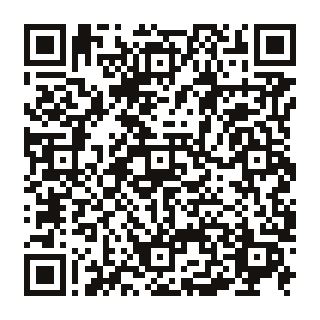
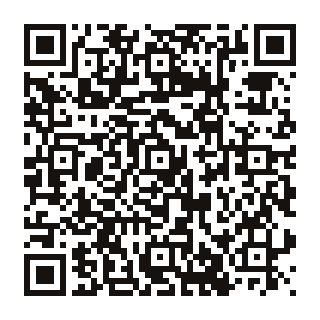
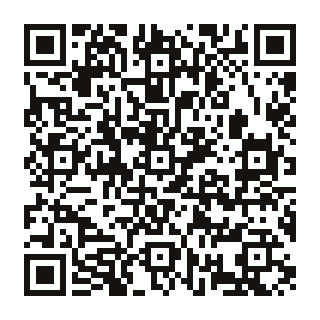
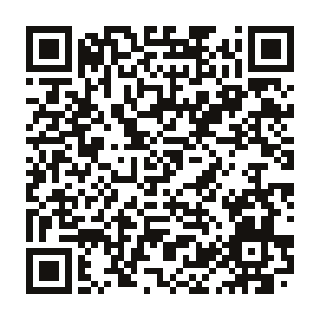
Código QR
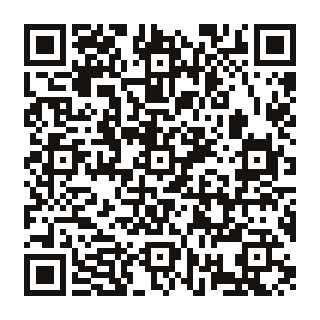
Escaneie com a câmera do tablet para baixar este APK diretamente.
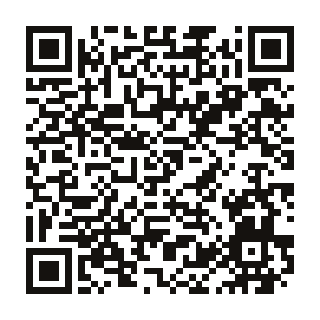
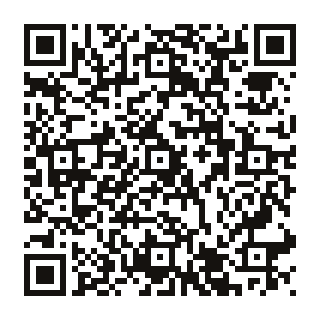
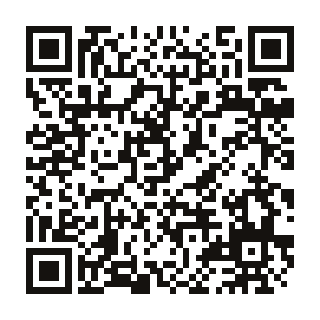
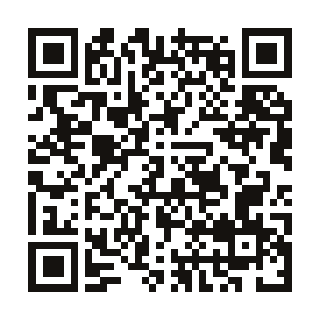
Código QR
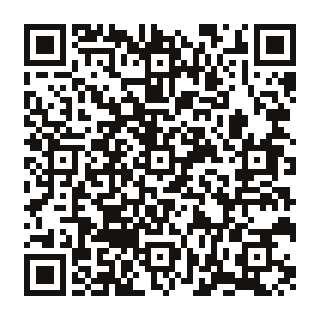
Escaneie com a câmera do tablet para baixar este APK diretamente.