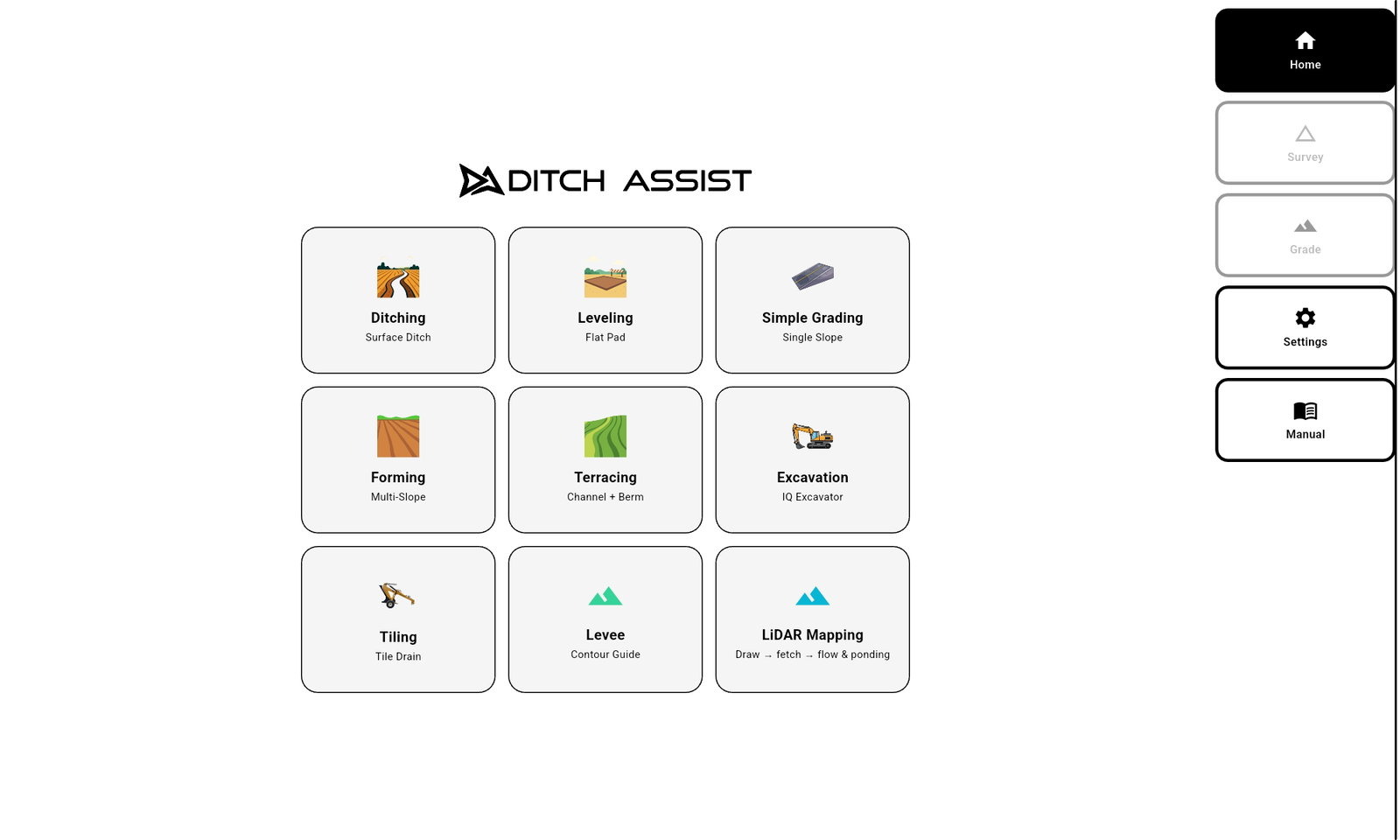
Ditch Assist v1.5.4
Para todos los que hacen trabajo normal de campo. Requerida para DIG.
La versión 1.5.4 es la app de producción actual. Reemplaza a la v1.4 y a todas las compilaciones de prueba v1.5, y agrega el drenaje calculado en la tableta en LiDAR y Mapas con el nuevo Planificador de Drenaje, Ditch Assist Lite, la programación del receptor desde la app (Diagnóstico Emlid), la profundidad fija de salida, la edición de diseños conservando su progreso, Mantenimiento simple de Terrazas, el nuevo flujo Calibrar Elevación, Pies Decimales y las actualizaciones de firmware DIG. Las versiones anteriores, incluida la v1.4, siguen disponibles en Versiones anteriores.
Requisito de tableta: pruebe primero la compilación estándar: es la correcta para la mayoría de las tabletas. Para un rendimiento óptimo, use una tableta Android moderna y potente con mucha RAM, como la Samsung Galaxy Tab A11+ que recomendamos. Si la compilación estándar no se instala o no funciona, use la descarga para tabletas antiguas; el rendimiento puede ser menor y puede ser necesario cambiar a una tableta más nueva.
Qué hay de nuevo en v1.5.4
Instalación
- Desde v1.2 o posterior (incluidas la v1.4 y todas las compilaciones v1.5): instale encima. Se actualiza sin desinstalar y conserva sus ajustes, la calibración y el trabajo guardado.
- Desde Alpha 2.x, v1.0 o v1.1: desinstale primero la app anterior y luego instale la v1.5.4. Esas compilaciones se firmaron con una clave de desarrollo, así que la v1.5.4 no se puede instalar encima. Los relevamientos, diseños y trabajos guardados en la tableta se conservan; los ajustes y la calibración del punto de referencia se pierden al desinstalar y hay que volver a ingresarlos.
- Qué descarga elegir: la compilación estándar (arm64-v8a) es la correcta para casi todas las tabletas. Si su tableta no la instala, use la compilación para tabletas antiguas (armeabi-v7a, para tabletas antiguas de 32 bits).
Nuevo: LiDAR y Mapas
- El drenaje se calcula en la tableta: Preparar Campo sigue descargando el LiDAR por internet, pero las líneas de flujo, las depresiones y el encharcamiento ahora se calculan en la propia tableta, con el mismo método que Geo-Surface™ Pro. No se sube ni se envía nada para procesar, y los resultados coinciden con lo que muestra Geo-Surface Pro para el mismo LiDAR.
- El encharcamiento se ordena de «Se moja primero» a «Se moja al final», con su propio control de corte, para mostrar solo los puntos que retienen agua primero.
- Las depresiones se dibujan según su profundidad y las poco profundas se ocultan. Aparecen en Capas del Mapa pero empiezan apagadas; un toque las muestra.
- Las líneas de flujo se dibujan en negro, más gruesas en los caminos que drenan más terreno, y recortadas al límite del campo.
- Planificador de Drenaje: en un campo preparado en la tableta, toque Abrir Planificador de Drenaje (en la pantalla final de Preparar Campo o en la fila del campo en Campos / DEM guardados) y mueva el control de área de drenaje mínima (0,1 a 20 acres) para reducir la red de flujo a los caminos que drenan al menos esa superficie. Las líneas del plan son moradas, más anchas para áreas de drenaje mayores, con flechas que apuntan aguas abajo. Guardar plan lo conserva como un plan con nombre; los planes guardados se cargan desde Capas del Mapa > Agregar Capa > Plan de drenaje.
- Las elevaciones LiDAR se leen correctamente: algunas descargas de EE. UU. (3DEP) y Canadá (HRDEM) tenían celdas erróneas o faltantes en los bordes de los datos, lo que también afectaba las curvas de nivel y la verificación de elevación del mapa.
- Las imágenes satelitales en caché aparecen en cuanto se abre el mapa, LiDAR y Mapas se abre en la ubicación de la propia tableta, y ya no aparece el aviso rojo de «conexión perdida» al dejar el Wi-Fi del módulo de control para usar internet.
- Los campos preparados con una versión anterior se siguen dibujando exactamente igual.
Nuevo: Ditch Assist Lite
- Guía con solo un GPS en la hoja — Ditch Assist Lite conecta la app a un Emlid Reach RS3 o RS4 por el propio punto de acceso Wi-Fi del receptor, sin módulo de control y sin cables. Funciona en topadoras, traíllas autopropulsadas y, en el campo, en un tractor con traílla, zanjadora, hoja o niveladora. Vea Ditch Assist Lite para saber cómo se adapta a su máquina.
- Actívelo en Ajustes > Modo (Ditch Assist | Ditch Assist Lite). Ditch Assist sigue siendo el predeterminado en cada instalación y actualización, y un aviso MODO LITE encabeza la pantalla Inicio mientras Ditch Assist Lite está activo. El Manual de la app tiene un capítulo de Ditch Assist Lite.
- Todos los flujos de trabajo funcionan, y los trabajos guardados de cualquier flujo se pueden reanudar. Los relevamientos, diseños, chevrones, el gráfico de perfil, la cobertura y las pasadas escalonadas con Auto-Ajuste (Auto-Nudge™) funcionan igual; usted mueve la hoja. La app nunca mueve la hoja en Ditch Assist Lite: no hay Subir / Bajar, Pausa / Reanudar ni nivelación automática, y la Detección de Impacto con Roca queda desactivada.
- En Excavación, la app sigue la antena del receptor, no la punta del balde, así que sirve para verificar la pendiente entre cortes. Un recordatorio muestra cómo verificar siempre desde la misma posición del brazo y el balde. La cota en vivo de la punta del balde requiere el Kit DIG™ de Ditch Assist.
- Una licencia por receptor — la app muestra un código de solicitud y un código QR que abre un correo a sales@ditchassist.com. Ingrese el código de desbloqueo de 10 dígitos que le enviamos; se verifica en la tableta, sin necesidad de internet. Un receptor licenciado también desbloquea LiDAR y Mapas.
Nuevo: programación del receptor GPS
- La app programa su receptor — Ajustes > Diagnóstico Emlid encuentra un Emlid Reach RS3 o RS4 en su punto de acceso Wi-Fi y muestra sus ajustes frente a las configuraciones Base, Rover y Rover Lite de Ditch Assist. Toque Configurar y la app programa el receptor sección por sección, verificando cada una. Si una sección no se aplica tras tres intentos, se detiene y le indica qué terminar en Emlid Flow. Funciona en Ditch Assist y en Ditch Assist Lite.
- Correcciones de la base — la configuración Base envía correcciones GPS, GLONASS y Galileo cada segundo. Si el enlace de radio no da abasto, pasa por su cuenta a enviarlas cada dos segundos y vuelve a intentar.
- Se recuerdan su canal LoRa y la potencia de radio del RS4, y una base RS4 tiene un selector de 500 / 1000 mW de un solo toque.
- Aparece una nota cuando el firmware del receptor es anterior a la versión con la que se verificó Ditch Assist (RS3 33.1, RS4 34.8).
Nuevo: diseño y nivelación
- Profundidad fija de salida (Zanjeo y Drenaje Subterráneo, pestaña Mejor Ajuste) — un botón PROF. SALIDA fija exactamente qué tan profunda debe quedar la zanja o el tubo en la salida, para empalmar con una zanja, alcantarilla o colector existente. El diseño se calcula desde la salida hacia atrás, así que el otro extremo no puede quedar demasiado superficial. Una transición de salida opcional suaviza un empalme profundo o superficial (una banda ámbar en el gráfico), y Sugerir elige la distancia más corta que funciona. Desactivada por defecto.
- Conservar Mi Progreso (Zanjeo, Excavación, Mantenimiento simple de Terrazas) — al aplicar un diseño editado sobre un trabajo en curso, puede conservar su superficie trabajada y su mapa de cobertura en lugar de empezar de cero.
- Editar el diseño activo — un botón Editar Diseño en el gráfico de perfil de nivelación reabre el diseño actual; los cambios se guardan como una revisión nueva.
- Mantenimiento simple de Terrazas — mantenga una terraza existente con un solo relevamiento del canal. La berma sigue al canal terminado con un desplazamiento ajustable, de 18 in (46 cm) por defecto, así que no hay que recorrer un relevamiento de berma.
- Importar un archivo de relevamiento o diseño (Zanjeo, Excavación, Drenaje Subterráneo) — cargue un archivo XYZ / XYZP desde el selector Cargar, para exportaciones de Geo-Surface Pro.
- Controles de nivelación más grandes — PAUSA / REANUDAR tiene el mismo tamaño que INICIAR / DETENER, y el selector Canal / Berma de terrazas es más grande.
Nuevo: puntos de referencia y calibración
- Panel Calibrar Elevación — el indicador BM abre un panel que dice en palabras simples a qué está calibrado y desde cuándo, y lista a qué puede calibrar ahora mismo: puntos de referencia guardados (el más cercano primero), el relevamiento cargado o el diseño cargado. Los puntos de referencia tienen su propio panel Puntos de referencia.
- Colores del indicador BM — verde: calibrado en esta sesión. Ámbar: restaurado de una sesión anterior, así que recalibre antes de trabajar. Gris: no calibrado.
- Rutina de punto de referencia en Modo de lotes — al entrar a un lote que tiene un punto de referencia, la app le pide ir hasta él y calibrar. Los relevamientos, diseños y trabajos recuerdan con qué punto de referencia estaban alineados.
Nuevo: pantalla y mapa
- Pies Decimales — Ajustes > Unidades agrega Pies Decimales junto a Pies + Pulgadas y Métrico. Las medidas pequeñas (corte/relleno, ajuste, altura de hoja, profundidades de tubo) se muestran en décimas de pie.
- Rumbo arriba o Norte arriba — un botón de orientación del mapa alterna entre los dos (Rumbo arriba por defecto), y la app recuerda su elección.
- Retroceder ya no hace girar el mapa — en Rumbo arriba, el mapa sigue orientado hacia donde mira la máquina mientras retrocede.
- Las imágenes superpuestas (JPG + archivo de coordenadas) se cargan totalmente opacas, cada una con su propio control de opacidad, y se pueden agregar desde un solo .zip que contenga ambos archivos.
- Actualice el firmware del módulo DIG desde la app (Ajustes > Software de Módulo DIG). El firmware viene dentro de la app, así que no hace falta internet en el campo.
Mejoras
- Mantener Subir / Bajar: la válvula sigue moviéndose mientras mantenga presionado el botón, aunque el dedo se corra un poco sobre él.
- Pausa Automática explica el motivo: cuando la nivelación se pausa por la calidad del GPS, una barra ámbar indica qué está esperando y muestra el valor actual.
- Sensibilidad RTK > Bajo ahora vigila solo el estado RTK Fijo y espera alrededor de un segundo de RTK Fijo estable antes de reanudar. Los receptores que no envían HDOP muestran "--" en lugar de un 0.00 engañoso.
- Con Filtro RTK DESACTIVADO (para receptores como el John Deere StarFire SF-RTK, que reportan DGPS estando en RTK), ahora también funcionan la Medición Automática de altura de hoja y el promediado de puntos de referencia. Un botón Iniciar Relevamiento en gris ahora indica el motivo.
- Chequeos Previos e Información GPS muestran en vivo la intensidad de la señal Wi-Fi y la velocidad de enlace, y un módulo DIG conectado aparece en verde.
- Tabletas Samsung: si "Cambiar a mejores redes Wi-Fi" está activado (hace que la tableta abandone todos los puntos de acceso de Ditch Assist), la app avisa una vez y lo lleva directo a ese ajuste.
- Un módulo DIG conectado que no envía posición ahora lo indica, en lugar de reportar una conexión Wi-Fi perdida.
- La Verificación de Discrepancia de Elevación ahora es un interruptor en Ajustes > Seguridad Pre-Inicio, desactivado por defecto, con un umbral de 30 in (76 cm).
- Los valores predeterminados de respuesta de válvula para instalaciones nuevas ahora coinciden con la app Gen 1.
- Tabletas pequeñas (960 × 600): las barras superiores de relevamiento y nivelación pasan a una segunda línea en lugar de recortarse.
- Enviar Registros ya no dice "¡Enviado!" cuando la subida falló. Los registros de soporte anotan la intensidad de la señal Wi-Fi, y solo los cierres inesperados reales se registran como tales.
Correcciones
- Los archivos de elevación GeoTIFF o LandXML muy grandes ya no congelan ni cierran la app: los archivos demasiado grandes se rechazan con un mensaje claro, y el resto se carga en segundo plano.
- GNSS Bluetooth ya no deja una conexión abierta en cada corte de señal.
- Un cierre inesperado poco frecuente al guardar un diseño mientras se cerraba el teclado.
- Avisos falsos de "Conexión perdida" al reactivar la tableta.
- Flechas y signos negativos ilegibles en la leyenda de corte/relleno de Modelado de Tierras.
- Gráficos de Terrazas y Auto-Ajuste: se corrigieron la línea de la pasada actual después de la pasada 10, las pasadas de berma con Auto-Ajuste y la escala del gráfico tras un trabajo de terraza.
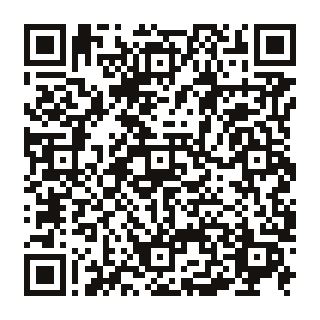
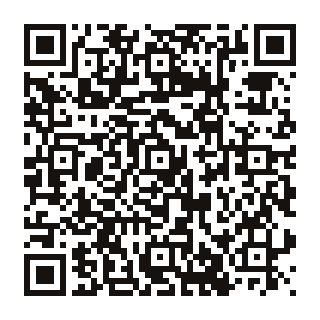
Código QR
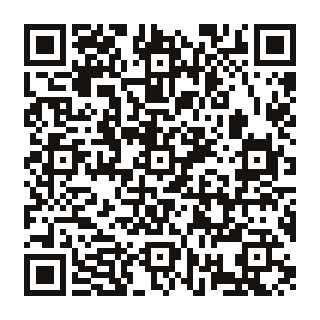
Escanee con la cámara de la tablet para descargar este APK directamente.
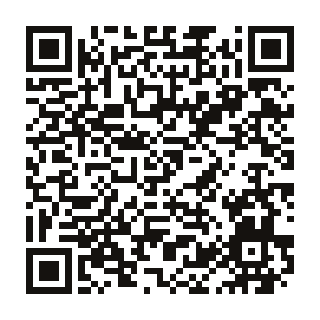
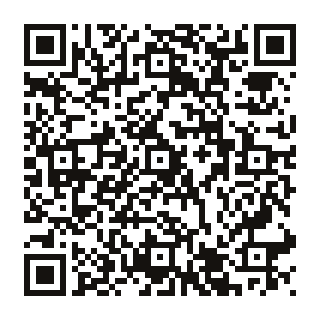
Código QR
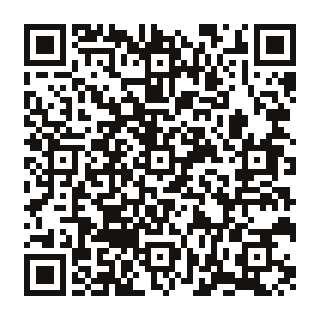
Escanee con la cámara de la tablet para descargar este APK directamente.